Get ready
Set aside about five quiet minutes, keep your iPhone comfortable to hold, and follow the prompts at your own pace. A calmer setting helps you focus on the instructions and tasks ahead.
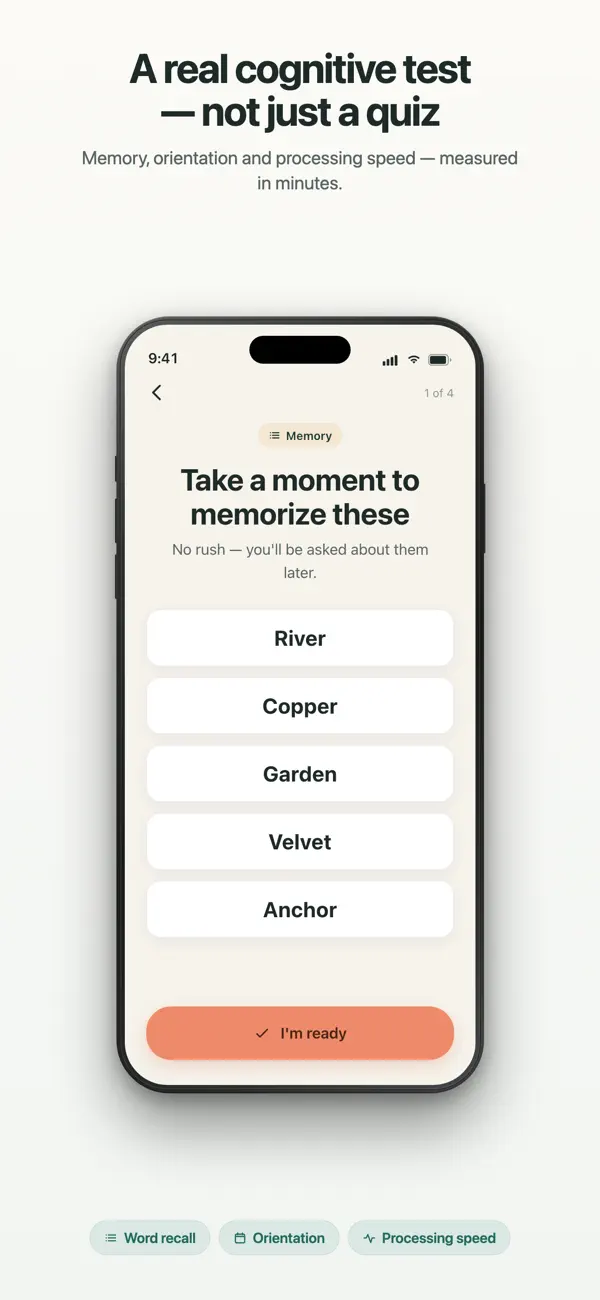
How it works
See what the NeuroAge check looks like before you begin. You do not need to take a questionnaire or create an account on this website to continue to the App Store.
The sequence is designed to feel direct: one instruction at a time, a visible transition between questions and tasks, and a result you can revisit. Read each prompt before responding and use the accessibility settings already available on your iPhone when you need larger text. This website shows the shape of the experience without reproducing licensed task material or turning the page into a web-based health test.
Set aside about five quiet minutes, keep your iPhone comfortable to hold, and follow the prompts at your own pace. A calmer setting helps you focus on the instructions and tasks ahead.
Questions add context around daily habits and health. Topics can include lifestyle, sleep, and nutrition. Your answers belong in the app; this website does not ask for or collect them.
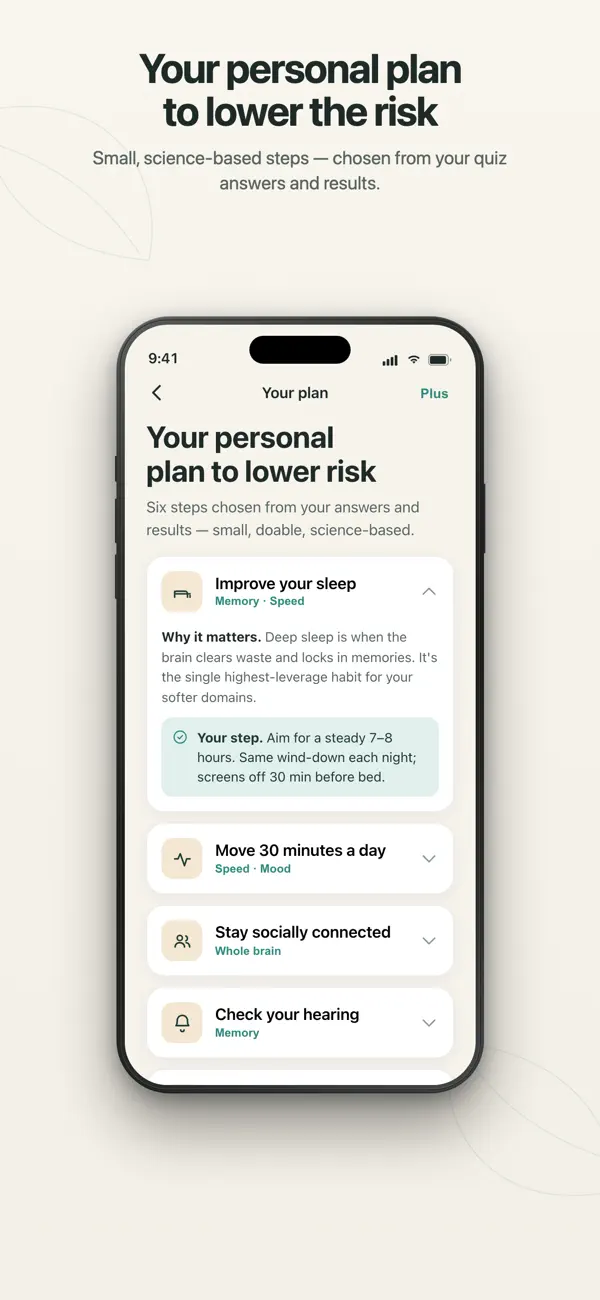
Short activities look at memory, attention, speed, orientation, visuospatial skills, and language. Reaction speed is measured only where it is part of a task, according to the app’s instructions.
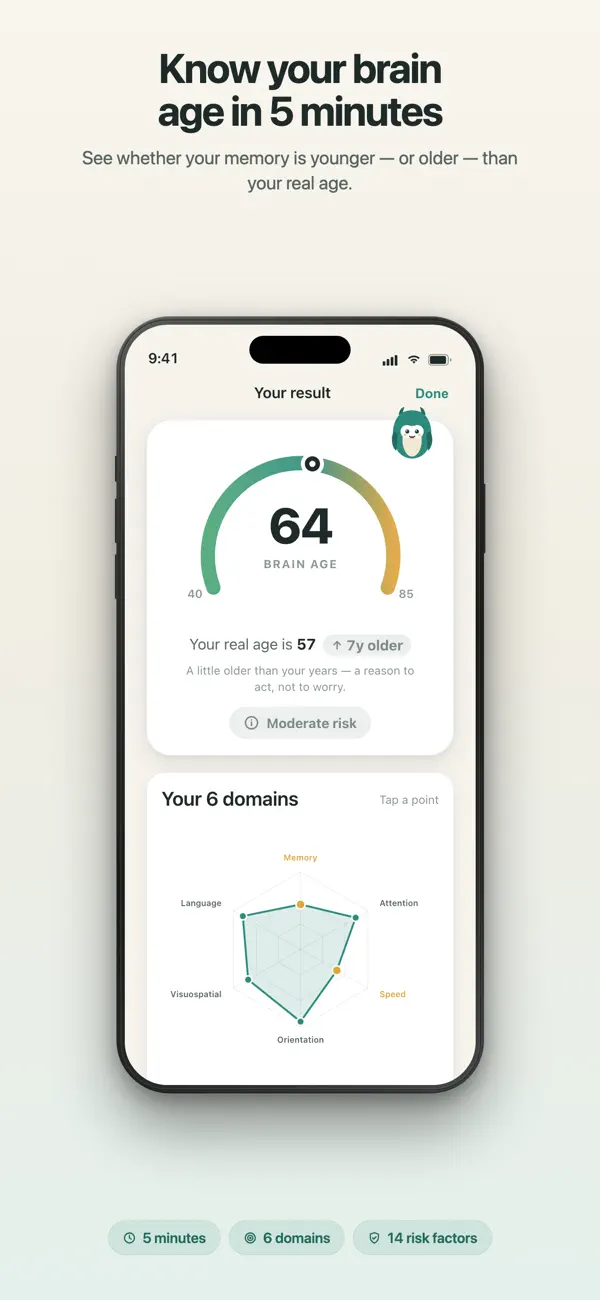
Your result brings the estimate, domain view, explanation, and plan into one flow. Read it as educational context—not as a diagnosis, a biological measurement, or a guarantee about future health.
Before you install
A calm next step
Go straight to the App Store. There is no required web questionnaire, registration, or health test before you install.

 Scan with your iPhone